Your S Pen.
Now a Pro Drawing Tablet.
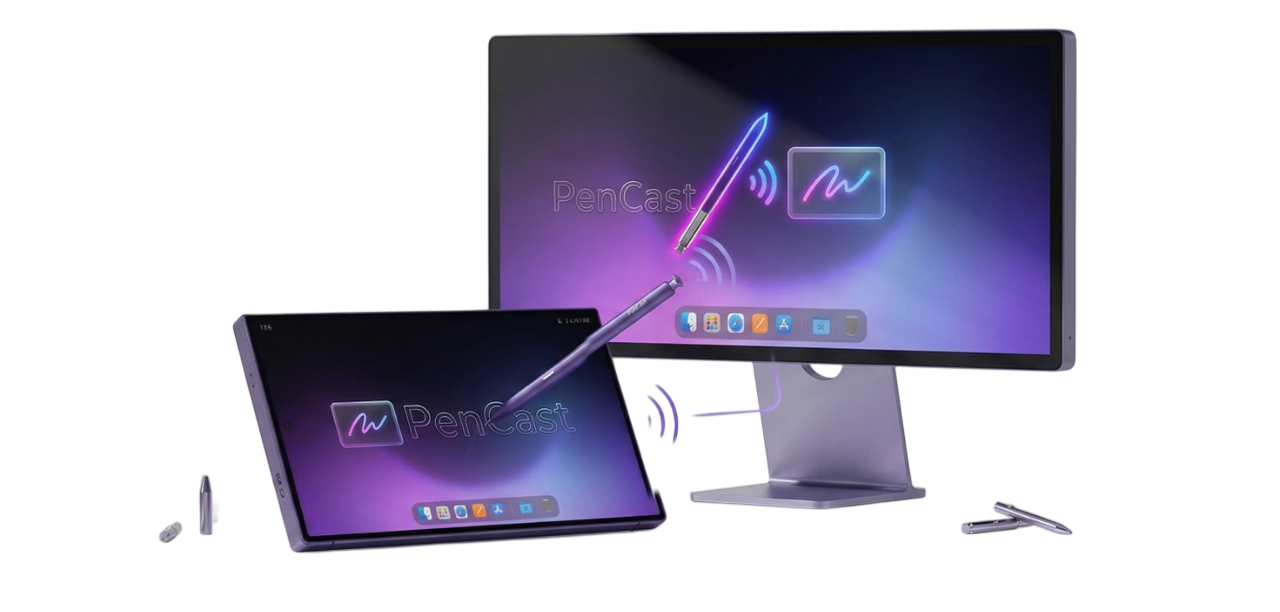
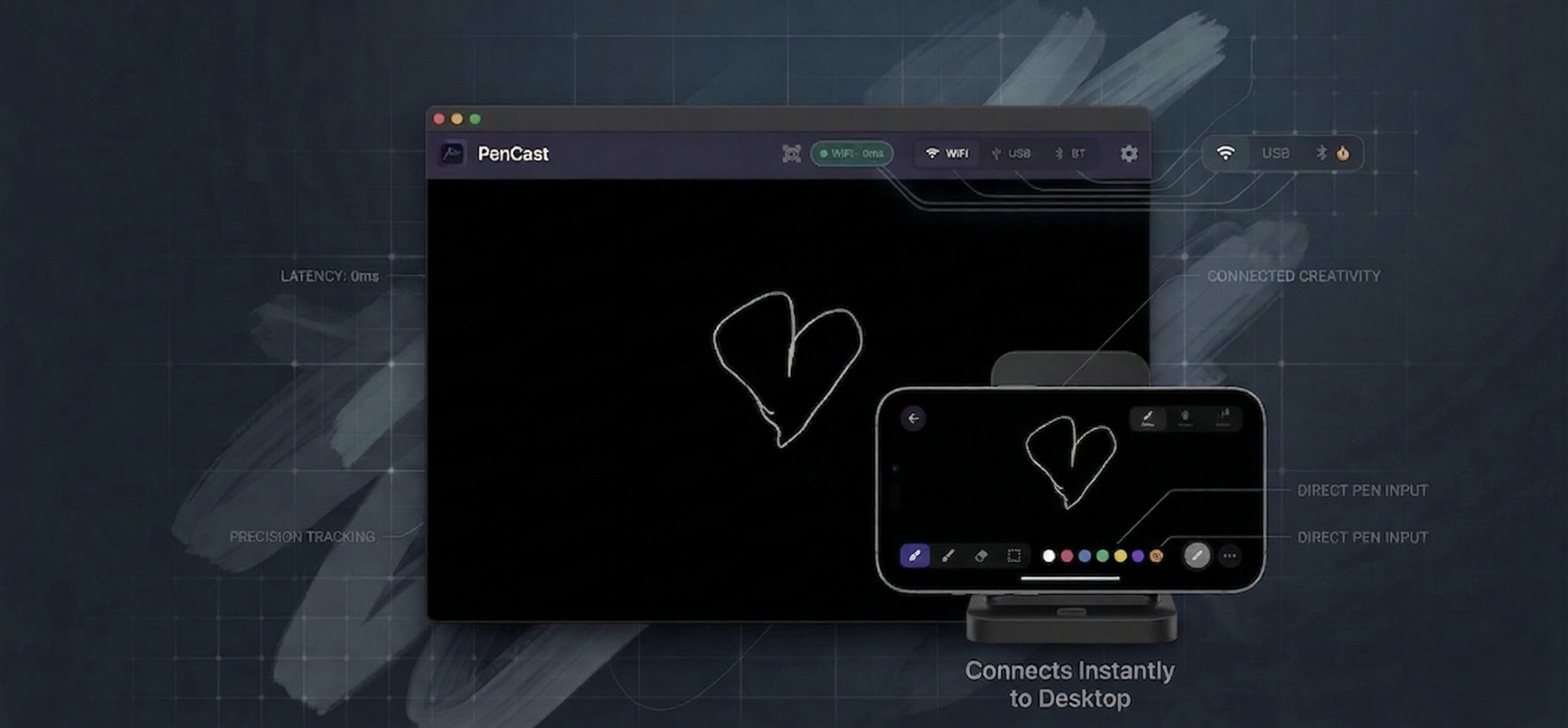
PenCast streams raw pressure, tilt & hover from your S Pen directly into Mac and Windows. Every app sees a real pen device. Zero lag.
Orientation
Connect
Latency
Lifetime Access.
- Bluetooth connection
- Hover mode + FPS control
- Pressure curve customization
- Tilt data (brush angle)
- Palm rejection
- Multi-monitor selection
- Custom hotkeys
Features
Everything a pro needs
Connection modes
WiFi, USB, or Bluetooth
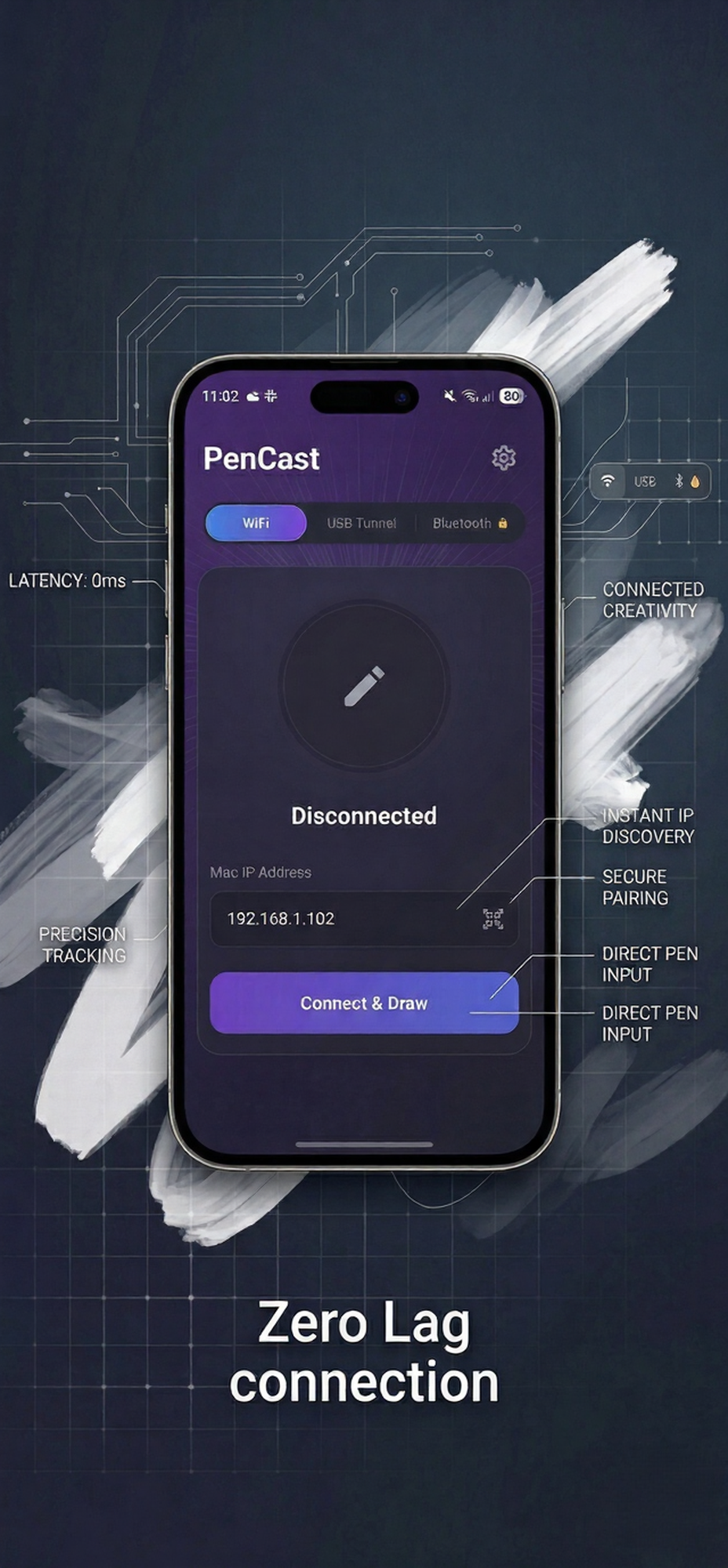
Three ways to connect. WiFi auto-discovers your Mac. USB for studio-grade 5ms latency. Bluetooth for cable-free use.
Pressure & Tilt
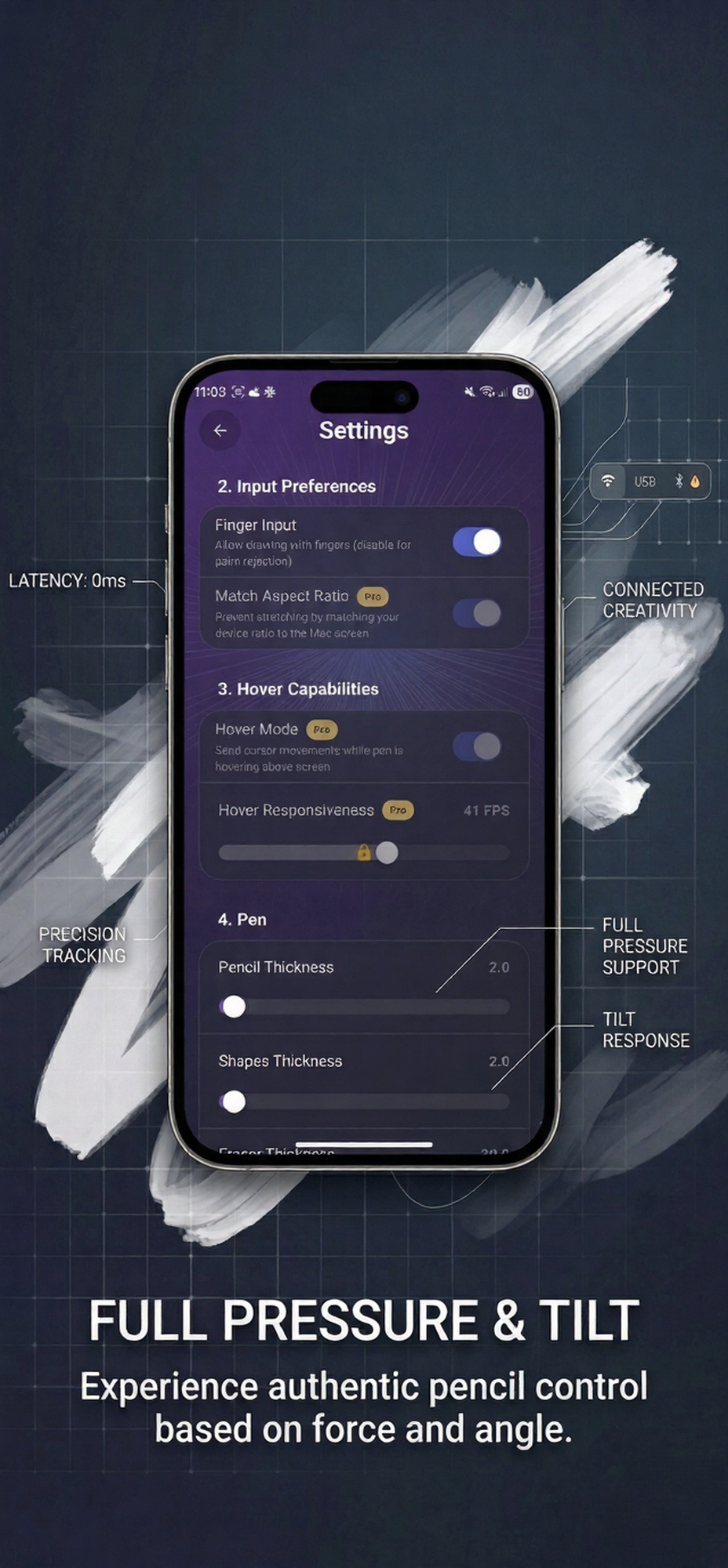
Full Pressure & Tilt
4096 pressure levels with customizable response curve. Tilt data lets brushes respond to how you hold the pen.
Hover & Precision
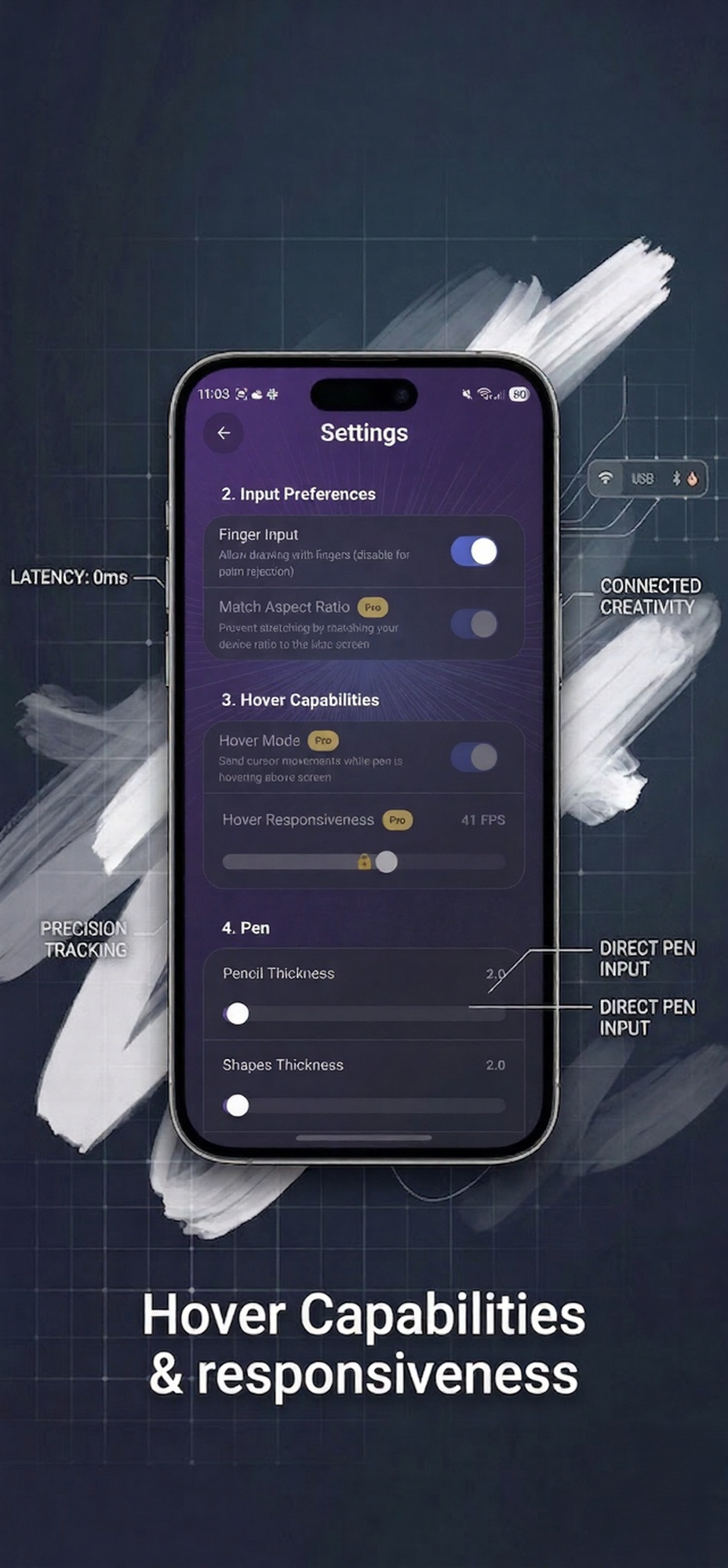
Hover, Hotkeys & Multi-Monitor
See where your pen lands before it touches. Set global hotkeys. Choose which monitor to draw on.
Canvas mode
Tablet Mode + Standalone Canvas
Use your phone as a Wacom tablet in any pro app — or draw directly with shapes, colors, and transparent overlay.
Who is it for?
One app. Two superpowers.
🎨 For Designers & Artists
S Pen as a Wacom Tablet
Open Photoshop, Clip Studio, or Figma on your Mac. PenCast injects your S Pen strokes — full pressure, tilt, hover — exactly like a $200 Wacom.
- Works in Photoshop, Clip Studio, Figma & more
- Pressure + tilt for realistic brush strokes
- Hover mode for precise positioning
- Palm rejection for long sessions
- S Pen button → right-click
Drawing on the Go
PenCast also gives you a full standalone drawing canvas — shapes, colors, highlighter — all on your phone.
- Standalone canvas with shapes & colors
- Transparent overlay on any window
- Screenshot → saves to Desktop instantly
- Scroll & zoom control in cursor mode
- Multi-monitor — choose your display
📖 For Teachers & Presenters
Annotate Directly on Your Screen
Draw on top of slides, browser, or any app — completely transparent. Highlight and annotate during live presentations.
- Transparent overlay — draw on any window
- Laser pointer for live presentations
- Highlighter tool
- Instant clear between slides
- Screenshot to Desktop
Free for Educators
Every tool a teacher needs is in the free version — no Pro upgrade required.
- No Pro required for teaching features
- Works over WiFi — no cables
- Works with Zoom, Teams, Google Meet
- Works with any presentation software
- Easy QR code setup in class
How it works
Three steps to your drawing tablet
No drivers. No complex setup. Just install and draw.
Install both apps
Get PenCast on your Samsung from Google Play. Download the Mac or Windows receiver from this page.
Connect in seconds
Scan the QR code with your phone or plug in USB for ultra-low latency. WiFi auto-discovers your Mac automatically.
Draw in any app
Open Photoshop, Clip Studio, or Figma. Your S Pen works as a real Wacom tablet — pressure, tilt, hover included.
Free to try. $7.99 to own forever.
No subscriptions. No recurring fees. Pay once, use everywhere.
Download
Get started in minutes. Install the Android app and the desktop receiver. That's it.
Mac Receiver
macOS 12+
Apple Silicon & Intel universal
Coming SoonFAQ
Common questions
Does PenCast work with Photoshop and Clip Studio?
Yes. PenCast injects stylus events directly into macOS and Windows so Photoshop, Clip Studio Paint, Figma, and any drawing app see the S Pen as a real Wacom tablet with full pressure and tilt.
Which Samsung devices work?
Any Samsung Galaxy with a built-in S Pen — Galaxy S Ultra series, Galaxy Note series, Galaxy Z Fold series, and Galaxy Tab S series.
What is the latency?
USB: ~5ms. WiFi on a good local network: under 20ms — comparable to professional wired drawing tablets.
Can teachers use PenCast for presentations?
Yes. The transparent overlay lets you draw on top of any open window. Laser pointer and highlighter are free — no Pro needed.
Is PenCast better than a Wacom?
PenCast turns a device you already own into a drawing tablet — saving you $80–$200. Full pressure, tilt, hover, and palm rejection at a fraction of the cost.
How does the connection work?
Three modes: WiFi with auto-discovery via QR code, USB via ADB for ultra-low latency, and Bluetooth BLE (Pro) for wireless use without WiFi.